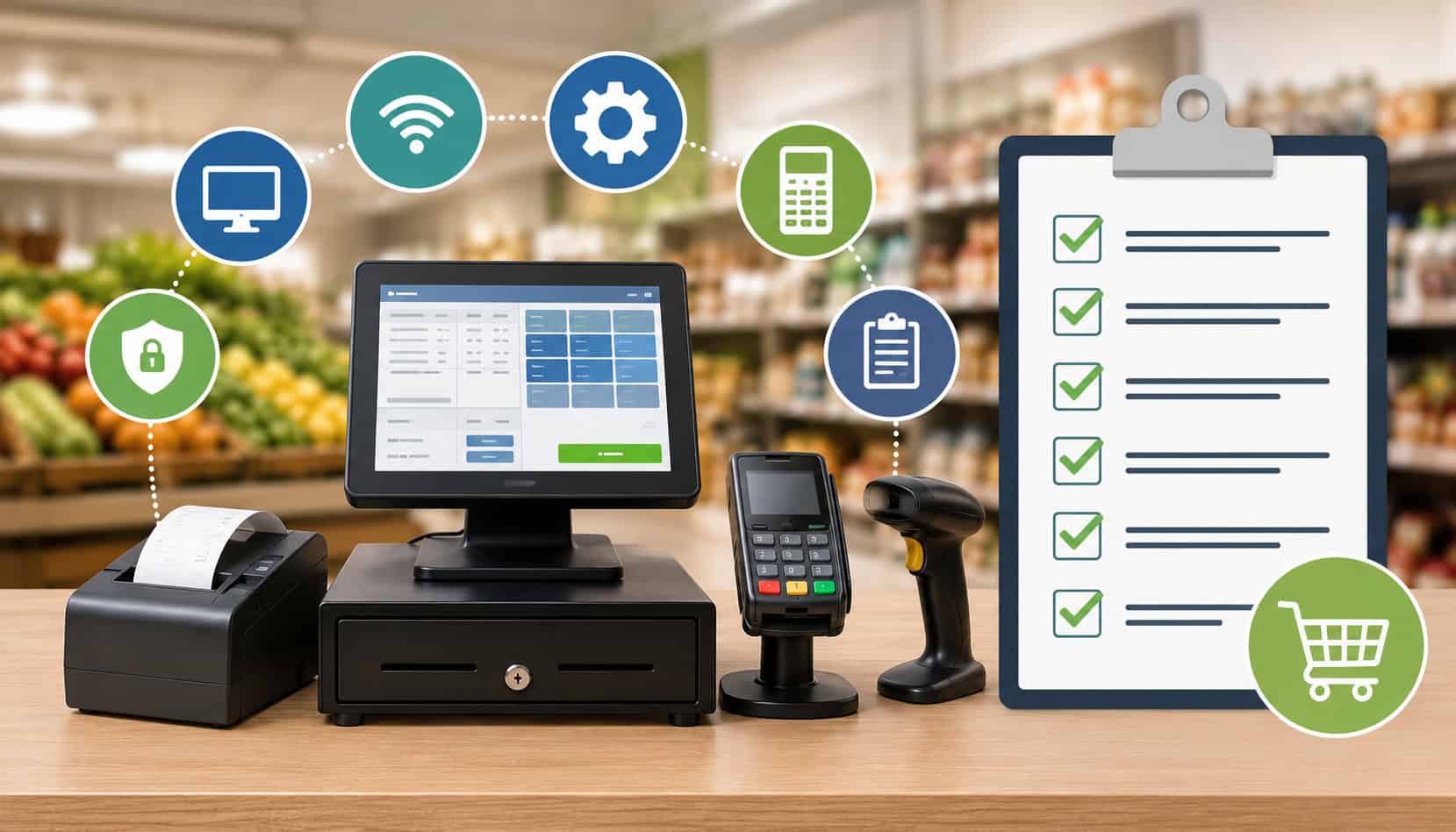
Accepting SNAP EBT payments is not just a matter of plugging in a terminal and training one cashier. For grocery stores, convenience stores, market vendors, retail managers, and SNAP-authorized merchants, the right POS setup affects transaction accuracy, product eligibility, secure payment processing, reporting, inventory control, customer experience, and day-to-day compliance.
A strong POS setup checklist for EBT retailers helps reduce mistakes before they happen. It gives store owners and managers a practical way to confirm that EBT-compatible POS systems, payment terminals, receipt settings, product categories, split payment workflows, and employee permissions are configured correctly.
When your system is set up well, checkout is faster and less confusing. Customers can use their benefits for eligible items, cashiers know how to handle mixed baskets, and managers can review accurate transaction logs when questions come up.
This guide is informational and is not technical, legal, regulatory, or compliance advice. Retailers should confirm requirements with their processor, POS provider, program guidance, and qualified advisors before making operational decisions.
Why POS Setup Matters for EBT Retailers
A properly configured POS system helps retailers process SNAP EBT transactions accurately and consistently. That matters because EBT payments are tied to specific product eligibility rules, tender restrictions, receipt requirements, and transaction workflows.
A small setup issue, such as an incorrect product flag or disabled refund function, can create larger problems over time.
For example, a convenience store may sell milk, bread, snacks, hot prepared foods, tobacco, paper goods, and household products in the same location. Some items may be eligible for SNAP EBT, while others are not.
If the POS cannot separate eligible and non-eligible items correctly, cashiers may need to rely on memory during busy checkout periods. That increases the risk of incorrect transactions.
A well-planned EBT POS system setup supports:
- Accurate eligible item recognition
- Faster checkout for mixed baskets
- Clear receipt records
- Secure PIN-based transaction handling
- Proper refund and void workflows
- Better transaction reporting
- Stronger cashier accountability
POS setup for SNAP retailers is also important for customer trust. Customers expect the checkout process to be smooth, private, and accurate. If a card declines, a split payment fails, or the wrong items are included under EBT tender, the situation can become frustrating for both the shopper and the cashier.
For deeper background on store responsibilities, see this helpful guide on EBT compliance requirements for merchants.
Choosing an EBT-Compatible POS System
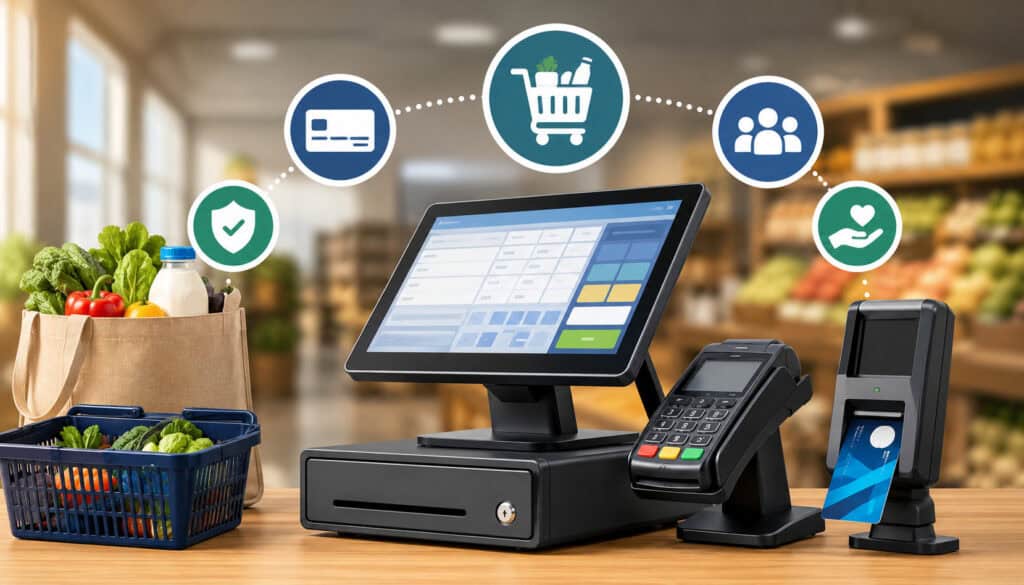
Choosing the right POS system is one of the most important decisions for retailers accepting SNAP EBT. Not every retail POS is built with the same level of support for EBT transaction processing setup, SNAP retailer POS configuration, product eligibility controls, or detailed reporting.
An EBT-compatible POS system should help your store manage both the payment side and the operational side of EBT acceptance. The payment side includes terminals, PIN pads, EBT tender acceptance, receipts, refunds, and settlement reporting. The operational side includes inventory categories, employee permissions, audit trails, and checkout workflows.
Retailers should look for EBT-ready POS systems that support daily retail realities. A grocery store with thousands of SKUs needs strong item-level controls. A farmers market vendor may need portability and reliable connectivity. A convenience store may need quick mixed-basket checkout and cashier-friendly prompts.
| POS Feature | Why It Matters for EBT Retailers | Operational Benefit |
| EBT tender support | Allows customers to pay with SNAP EBT at checkout | Enables approved EBT payment acceptance |
| PIN pad integration | Supports secure customer PIN entry | Protects customer privacy and transaction security |
| Product eligibility flags | Separates eligible and non-eligible items | Reduces cashier errors |
| Split payment functionality | Allows EBT plus another payment method | Helps process mixed baskets accurately |
| Receipt customization | Shows transaction details and tender separation | Supports customer service and recordkeeping |
| Refund and void controls | Helps process corrections properly | Reduces disputes and reporting errors |
| Employee permissions | Limits sensitive functions to authorized staff | Improves accountability |
| Transaction reporting | Tracks EBT sales, refunds, voids, and exceptions | Supports review and audit readiness |
| Inventory integration | Connects item setup with checkout eligibility | Keeps product files more accurate |
| Software update support | Keeps POS functions current | Reduces operational disruptions |
EBT Transaction Processing Support
EBT transaction processing support should be built into the checkout workflow, not treated as an afterthought. Cashiers should be able to select the EBT tender, prompt the customer for PIN entry, process the approved amount, and complete the sale with a clear receipt.
A strong EBT payment terminal setup should support SNAP transactions, eligible item separation, split payments, reversals or voids where applicable, balance-related functions if supported, and accurate receipt records. The system should also provide clear prompts when a transaction cannot be completed.
Split payments are especially important. Many shopping baskets include both eligible and non-eligible products. The POS should apply EBT only to eligible items and route the remaining balance to another tender, such as debit, credit, or cash.
Receipt tracking also matters. Receipts help customers understand what was charged to EBT and what was paid with another tender. They also help managers review disputes, refunds, and transaction questions.
Inventory and Product Category Management
Inventory and product category management are central to POS compliance for EBT retailers. The POS should allow retailers to classify products accurately so eligible items are treated correctly at checkout.
For small stores, category-level rules may seem easier. However, item-level review is often safer because products within the same broad department may not all share the same eligibility status. For example, a “beverages” category may include eligible bottled juice and non-eligible prepared drinks depending on product type and program rules.
A good SNAP retailer POS checklist should include a review of:
- Product departments
- SKU-level eligibility flags
- New item setup procedures
- Vendor invoice matching
- Discontinued item cleanup
- Manager approval for category changes
- Periodic item file audits
Inventory setup should also account for seasonal products, prepared foods, deli items, bundled products, and special promotions. These can create confusion if the POS rules are too broad or outdated.
POS Setup Checklist for EBT Retailers
A practical POS setup checklist for EBT retailers helps managers move step by step instead of relying on assumptions. The goal is to confirm that your EBT retail payment systems are ready before live transactions begin and that the setup remains accurate as products, employees, and systems change.
Start with the basics. Confirm that your store is authorized to accept SNAP EBT and that your processor has the correct store information. Then verify that your POS provider, terminal provider, and payment processor have coordinated the setup. Miscommunication between vendors is a common reason for delayed activation or incomplete terminal configuration.
Your checklist should include:
- Confirm store authorization details
- Verify processor setup
- Confirm POS system EBT compatibility
- Install or connect EBT terminals
- Configure PIN pads and receipt printers
- Create EBT tender type in POS
- Set up eligible product categories
- Review SKU-level product eligibility
- Enable split payment workflows
- Test refunds, voids, and reversals
- Configure employee permissions
- Review receipt formatting
- Confirm transaction reporting
- Train cashiers and supervisors
- Run test transactions before launch
- Document setup decisions
POS setup for SNAP retailers should not end after the first successful transaction. Retail operations change constantly. New products are added, cashiers are hired, software updates are installed, and equipment may be replaced. Your checklist should become part of your ongoing operating routine.
For store readiness basics, this SNAP EBT factsheet for new retailers may be useful.
Configure SNAP-Eligible Product Categories
Configuring SNAP-eligible product categories is one of the most important steps in SNAP retailer POS configuration. The POS must help cashiers identify which items can be paid for with EBT and which items require another tender.
Retailers should review every product category before going live. Grocery staples, packaged foods, beverages, snacks, frozen foods, and produce may need different settings than hot foods, household supplies, tobacco products, alcohol products, pet supplies, or personal care items.
Do not assume that a department name is enough. A “deli” department may include eligible cold items and non-eligible hot prepared items. A “health” department may include some food items and non-food products. A “general merchandise” department should usually be reviewed carefully because it often includes non-eligible goods.
A good process includes manager approval for new categories, documented rules for new SKUs, and regular audits of high-risk departments.
Set Up EBT Payment Terminals
EBT payment terminal setup should include hardware, software, connectivity, security, and transaction testing. The terminal must be able to communicate with the payment network and support customer PIN entry securely.
Retailers should confirm that each checkout lane has the correct terminal or PIN pad, that the device is connected to the POS if integrated, and that the receipt printer produces accurate transaction records. If the terminal is standalone, staff must understand how to enter amounts correctly and how to avoid tendering ineligible items.
Terminal setup should include:
- Secure placement at checkout
- Working PIN pad
- Reliable internet or approved connectivity
- Receipt printer connection
- Correct merchant profile
- Correct tender options
- Refund and void testing
- End-of-day reporting review
Managers should also inspect terminals regularly for tampering, loose cables, damaged screens, or unusual prompts. Equipment problems can slow checkout and create customer frustration.
Enable Split Payment Functionality
Split payment functionality is essential for many EBT retailers because customers often purchase both eligible and non-eligible items in one transaction. A strong POS setup should allow the customer to use EBT for eligible products and another payment method for the remaining balance.
Without split payment support, cashiers may need to separate baskets manually. That slows checkout, increases customer embarrassment, and creates more room for mistakes. Integrated split tender workflows help make the process smoother.
The POS should show the cashier:
- Total transaction amount
- EBT-eligible amount
- Non-eligible balance
- Remaining amount after EBT approval
- Accepted payment options for the balance
Split payments should be tested before launch. Run sample baskets with eligible items, non-eligible items, voided items, discounts, coupons, and returns. The more scenarios you test, the fewer surprises your cashiers will face.
Configure Reporting and Transaction Logs
Reporting and transaction logs help retailers monitor EBT activity, resolve customer questions, and prepare for reviews. Your POS should track EBT sales, refunds, voids, split tenders, cashier activity, terminal activity, and settlement data.
Transaction logs should be searchable by date, lane, cashier, tender type, transaction number, and refund status. This makes it easier to investigate discrepancies. If a customer returns with a receipt question, managers should be able to locate the transaction quickly.
Useful reports include:
- Daily EBT sales totals
- EBT refund report
- Void and cancellation report
- Split tender report
- Cashier activity report
- Terminal batch or settlement report
- Exception report for unusual activity
Good reporting is not only about compliance. It also helps store managers understand customer demand, staffing needs, lane performance, and operational bottlenecks.
Security and Compliance Setup for EBT POS Systems
Security and compliance setup should be treated as a core part of EBT POS system setup. EBT transactions involve sensitive payment activity, customer PIN entry, employee access controls, and transaction records. Retailers should protect both customer information and store systems.
Start with user access. Cashiers should have only the permissions they need to do their jobs. Functions such as refunds, voids, price overrides, manual entry, item eligibility changes, and report exports should be limited to supervisors or managers.
Strong POS compliance for EBT retailers also includes password controls. Shared passwords make it difficult to know who performed a sensitive action. Each employee should have a unique login where possible. Managers should remove access immediately when an employee leaves.
Security setup should include:
- Unique employee logins
- Strong password practices
- Role-based permissions
- Manager approval for refunds and voids
- Encrypted transaction handling
- Secure PIN pad use
- Regular software updates
- Terminal inspection procedures
- Restricted back-office access
- Secure report storage
Retailers should also keep systems updated. Software updates may include security patches, payment function improvements, bug fixes, and terminal updates. Delaying updates can create avoidable risk.
Employee Training for EBT POS Operations
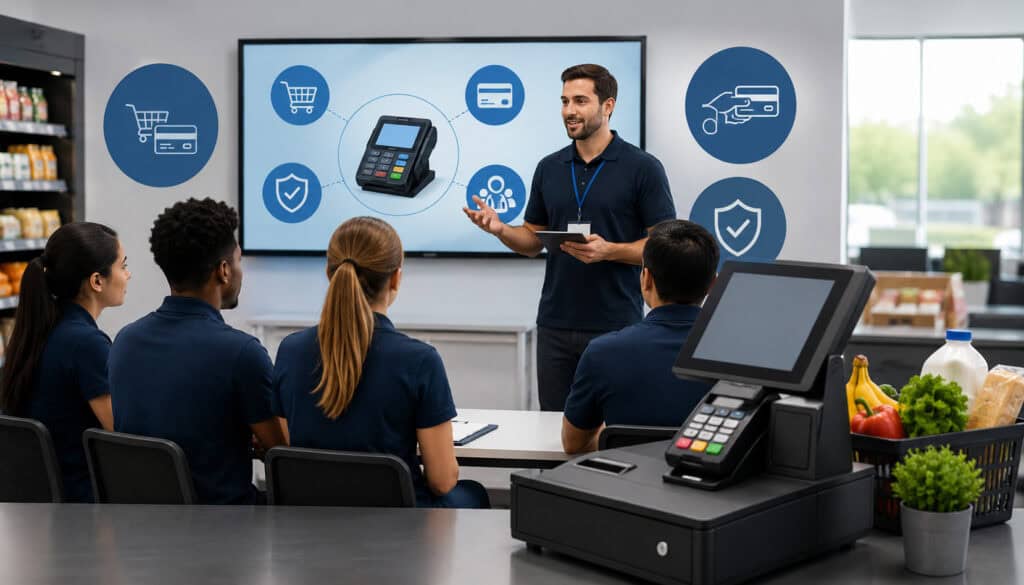
Employee training is where POS setup becomes real-world performance. Even the best EBT-compatible POS systems can fail operationally if cashiers do not understand how to use them correctly.
Training should cover more than how to press the EBT button. Cashiers should understand eligible and non-eligible item handling, split payments, declined transactions, refunds, voids, customer questions, receipt review, and when to call a supervisor.
A strong training program should include:
- Basic SNAP transaction rules
- Product eligibility examples
- Mixed-basket checkout practice
- Split payment scenarios
- Declined card procedures
- Refund and void workflows
- Receipt explanation
- Customer privacy expectations
- Escalation steps for supervisors
Training should be practical and repeated. New employees need onboarding, but experienced employees also need refreshers. Product assortments change, POS screens change, and employees may develop shortcuts that create risk.
Supervisors should observe real checkout behavior. Watching a cashier handle a mixed basket or refund can reveal gaps that a written policy will not catch.
For cashier-specific guidance, see information for cashiers when accepting SNAP benefits.
Common POS Setup Mistakes EBT Retailers Should Avoid
Many EBT setup problems come from small oversights. A retailer may assume the POS provider handled every detail, or that a successful test transaction means the entire setup is complete. In reality, EBT retail payment systems need careful review across hardware, software, inventory, staff permissions, and reporting.
One common mistake is incorrect product categorization. If eligible and non-eligible products are mixed under one department, the POS may apply EBT incorrectly. This is especially risky for stores with hot foods, deli items, prepared meals, household goods, and general merchandise.
Another mistake is weak security. Shared manager codes, unlocked refund access, and broad employee permissions can create accountability problems. Even honest mistakes become harder to investigate when employee actions are not clearly logged.
Retailers should avoid:
- Treating EBT setup as a one-time task
- Failing to test split payments
- Using broad product categories without SKU review
- Allowing too many employees to edit item files
- Ignoring software updates
- Skipping receipt testing
- Not reviewing refund and void reports
- Training only one employee
- Relying on memory instead of written procedures
- Failing to test backup connectivity
Poor network setup is another issue. If terminals frequently disconnect, cashiers may rush, retry transactions incorrectly, or create customer frustration. Stable connectivity is part of a reliable checkout experience.
How POS Systems Improve SNAP Compliance and Reporting
A well-configured POS system can help retailers maintain stronger day-to-day controls. It does this by enforcing tender rules, tracking transaction details, documenting exceptions, and giving managers better visibility into store activity.
SNAP POS requirements often affect how products, tenders, refunds, and receipts are handled. A modern POS can support compliance by making the correct workflow easier for employees to follow. Instead of expecting cashiers to remember every rule, the POS can prompt, restrict, and document key steps.
Useful compliance-supporting POS functions include:
- SKU-level eligibility controls
- Automatic tender separation
- Digital receipt records
- Refund and void reason codes
- Manager approval prompts
- Cashier-level reporting
- Inventory reports
- Exception tracking
- Settlement reconciliation
- Audit trails
Audit trails are especially valuable. They show what happened, when it happened, which employee was involved, and how the transaction was completed. If a question arises, managers can review the facts instead of relying only on memory.
POS reporting can also help identify unusual activity. Repeated refunds, unusually high transaction amounts, frequent voids, or lane-specific issues may indicate a training problem, system issue, or process gap.
Best Practices for Maintaining an EBT-Compatible POS System
Maintaining EBT-compatible POS systems requires steady attention. Once your EBT-ready POS system is live, your goal is to keep it accurate, secure, and easy for employees to use.
Start with software updates. Updates should be scheduled, documented, and followed by testing. Ask your POS provider what changed, whether EBT functions were affected, and whether terminal updates are required.
Next, audit your product files. New items should not be added casually without eligibility review. Seasonal products, promotional bundles, deli items, beverages, and vendor-supplied items should be checked carefully.
Strong maintenance practices include:
- Updating POS and terminal software regularly
- Testing EBT terminals after updates
- Reviewing daily transaction reports
- Auditing product eligibility settings
- Checking refund and void activity
- Training new employees before they run EBT transactions
- Holding short refresher sessions
- Inspecting terminals for damage or tampering
- Reviewing employee permissions
- Keeping setup documentation current
Managers should also prepare for equipment failure. Know who to call if a terminal stops working, where backup supplies are stored, and how employees should respond if EBT processing is temporarily unavailable.
For more setup-related context, this overview of EBT processing products and services can help merchants understand common equipment and support considerations.
FAQs
What is an EBT-compatible POS system?
An EBT-compatible POS system is a point-of-sale system that can accept SNAP EBT payments through approved payment workflows, secure PIN entry, receipt printing, and transaction reporting.
Why is POS setup important for SNAP retailers?
POS setup is important because it affects transaction accuracy, checkout speed, product eligibility, reporting, and compliance. A properly configured POS system helps reduce cashier errors.
How do retailers configure SNAP-eligible products?
Retailers configure SNAP-eligible products by assigning the correct eligibility settings to departments, categories, or individual SKUs in the POS system.
What features should an EBT POS system include?
An EBT POS system should include EBT tender support, secure PIN pad integration, split payment functionality, receipt printing, transaction reporting, refund controls, and product eligibility management.
Can POS systems support split payments?
Yes. Many EBT-ready POS systems support split payments, allowing customers to pay for eligible items with EBT and cover non-eligible items with another payment method.
How can retailers improve EBT transaction accuracy?
Retailers can improve EBT transaction accuracy by keeping product categories updated, testing terminals regularly, training cashiers, and reviewing transaction reports.
Why is employee training important for POS setup?
Employee training is important because cashiers need to understand how to process EBT payments, handle split transactions, check product eligibility, and manage customer questions.
How often should EBT POS systems be updated?
EBT POS systems should be updated whenever the POS provider, payment processor, or terminal provider releases important software, security, or payment function updates.
Conclusion
A proper POS setup checklist for EBT retailers helps merchants process transactions accurately, maintain stronger SNAP compliance controls, protect customer payment activity, and streamline daily checkout operations.
The right setup connects equipment, product eligibility, secure payment handling, employee training, reporting, and ongoing maintenance into one reliable system.
For grocery store owners, convenience store operators, market vendors, retail managers, and SNAP-authorized merchants, success depends on more than accepting an EBT card. It depends on accurate product setup, secure terminals, split payment support, trained employees, clear transaction logs, and regular system reviews.
When retailers take time to configure EBT-compatible POS systems carefully, they reduce errors, improve customer confidence, and make checkout easier for everyone involved.