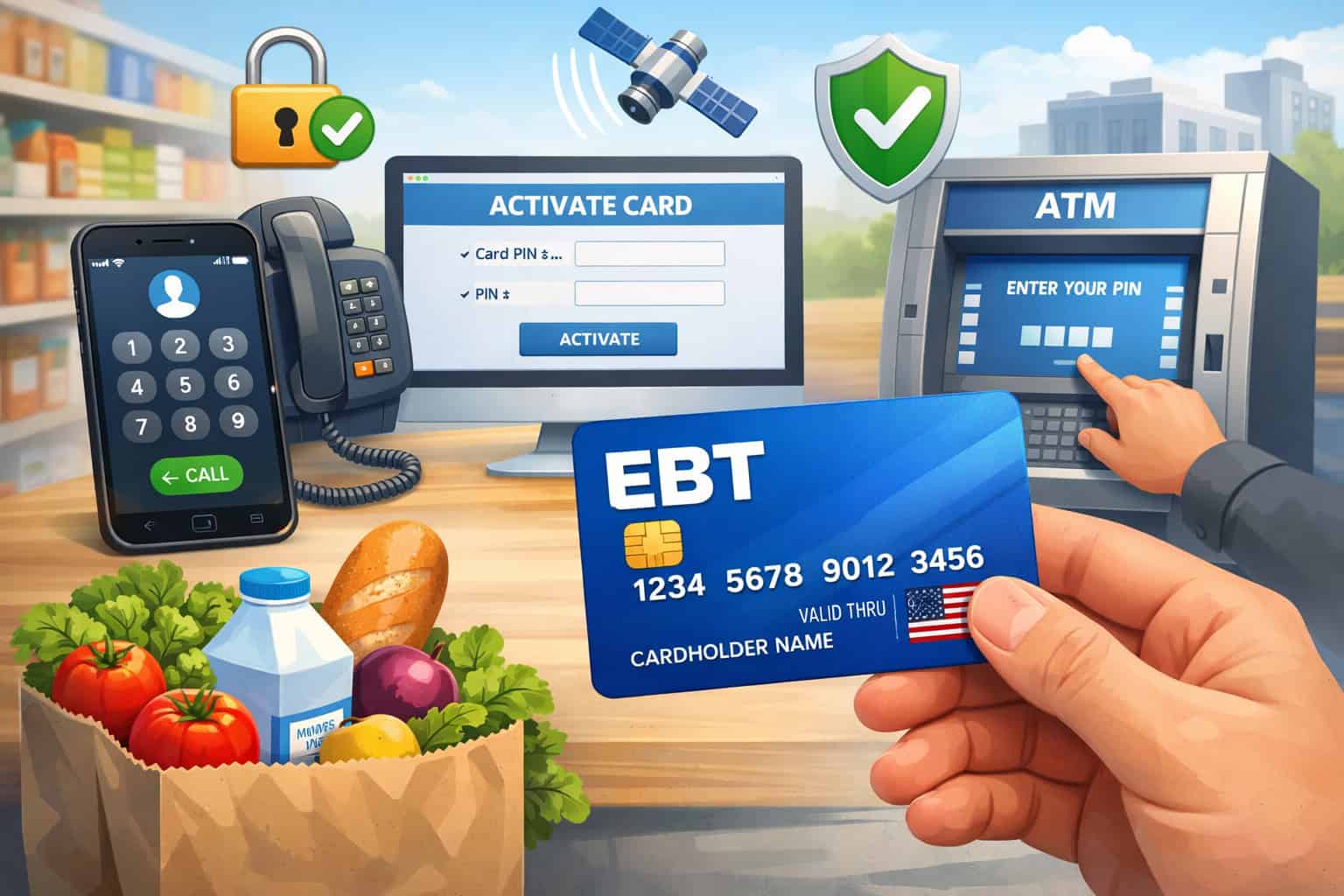
If you just received a benefits card in the mail (or picked one up in person), the first thing you need to do is activate EBT card access so you can use your benefits at checkout and (where allowed) at ATMs.
In most states, “activate EBT card” really means confirming the card is active and setting or changing your PIN, because your PIN is what unlocks purchases and cash withdrawals.
The exact steps vary by state and by card vendor, but the activation flow is usually one of these: call the customer service number on the back of the card, activate through the official cardholder website/portal, or activate by completing a first transaction (some states enable this for replacement or upgraded cards).
For example, New York’s official materials point cardholders to a toll-free number to select a PIN over the phone. Certain states also publish clear guidance on card security and how agencies will (and will not) contact you.
In this guide, you’ll learn how to activate EBT card access the right way, how to choose a secure PIN, what to do if you get stuck, and how to protect benefits from scams and skimming.
What “Activate EBT Card” Really Means in 2026
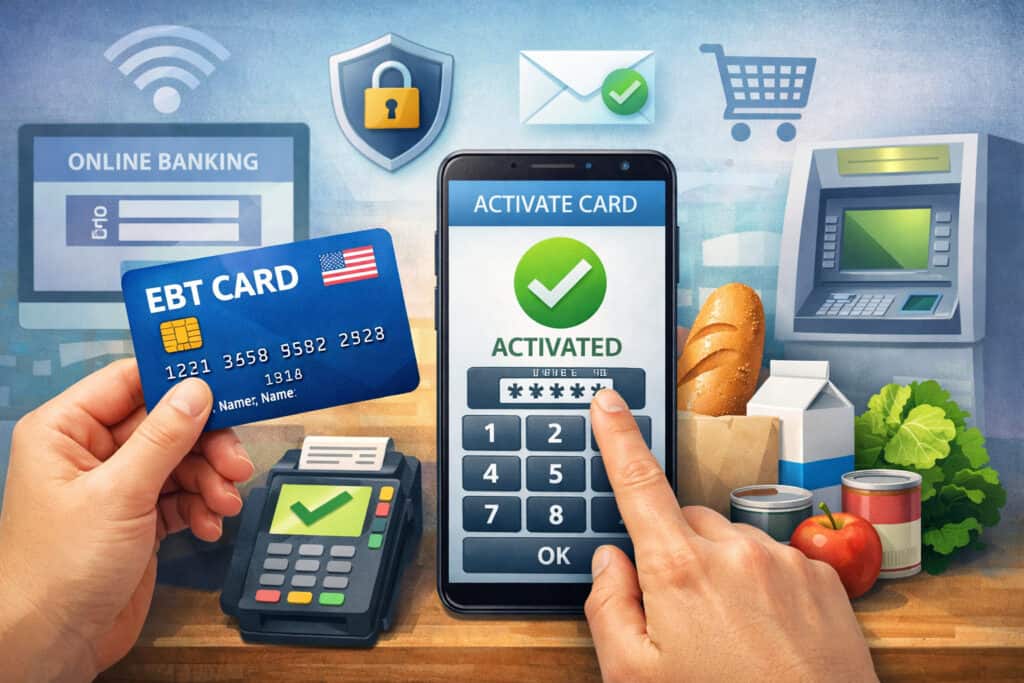
When people search “how to activate an EBT card,” they’re often talking about three separate actions that happen close together: (1) activating the card, (2) setting up or confirming the PIN, and (3) verifying the card works for purchases.
In many states, the card may arrive “issued” but not fully usable until you complete the activation step tied to identity verification and PIN creation. In other states, the card may work once you complete a PIN selection and attempt a first transaction.
It’s important to understand that your EBT card works like a debit card for eligible benefits. For SNAP-style purchases, the payment flow typically requires you to swipe/tap/insert and enter a four-digit PIN at the point-of-sale device. That’s why “activate EBT card” instructions almost always include setting or changing a PIN.
Also, newer chip and tap upgrades can change the activation experience. Some state guidance explains that existing benefits transfer automatically to an upgraded card and that activation may occur when you use the card normally at a terminal or ATM.
This is one reason you should rely on the number on the back of your card and your state’s official portal, not random third-party instructions that may be outdated.
If you keep one idea from this section, make it this: to activate EBT card access safely, follow the official channel (back-of-card number or official portal), set a secure PIN, then confirm your balance and make a small eligible purchase to ensure everything works.
Before You Activate EBT Card: What to Have Ready
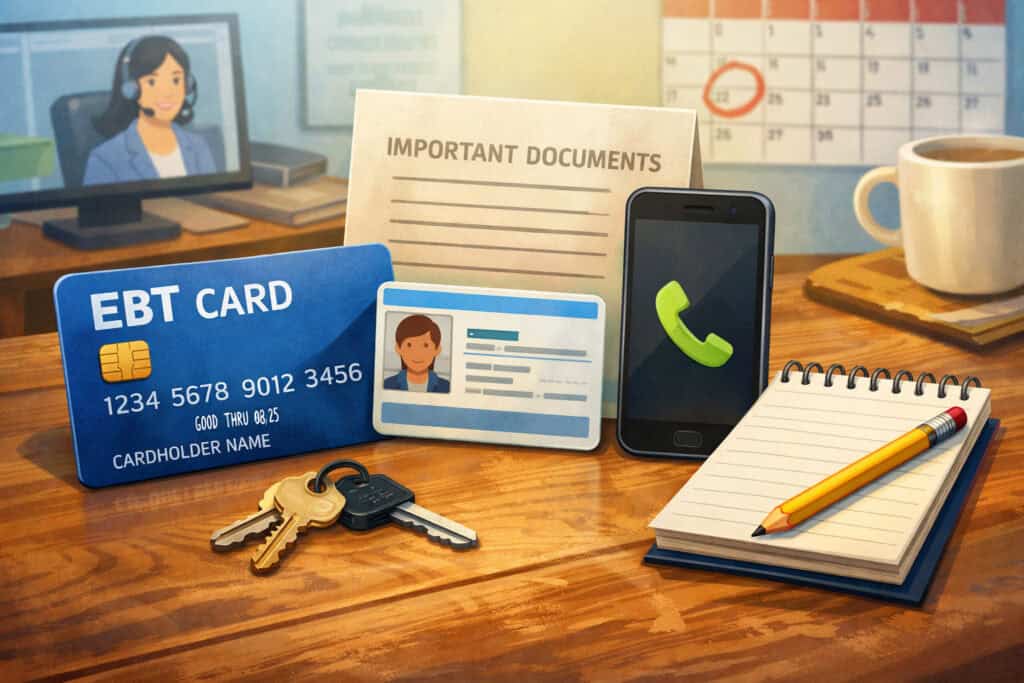
Before you start the “activate EBT card” process, gather the items you’ll most likely be asked for. This avoids timeouts on automated phone systems and reduces errors when you try to activate EBT card access online. Most activation flows require:
- Your card number (often 16 digits on the front)
- Your identity verification details (varies by state): date of birth, ZIP code, or last four digits of an ID number
- A phone that can receive automated prompts (if activating by phone)
- A quiet moment to choose a PIN you can remember but others can’t guess
If your state uses a cardholder portal, you may also need to create login credentials. Some states and vendors provide cardholder help pages that specifically reference a “PIN select” feature for new cards.
If you’re unsure whether your state supports online activation, look at the paperwork that came with your card, because many states include a one-page instruction sheet with the official activation channel and support number.
One more preparation step matters a lot in 2026: security awareness. Several agencies emphasize they will not call or text asking for your card number or PIN.
That warning is not just generic advice—benefit theft attempts often surge around deposit dates, and scammers count on urgency to trick you before you activate EBT card protections like frequent PIN changes.
When you’re ready with your details, you can activate EBT card access confidently using one of the official methods below.
Activate EBT Card by Phone: The Most Common Method
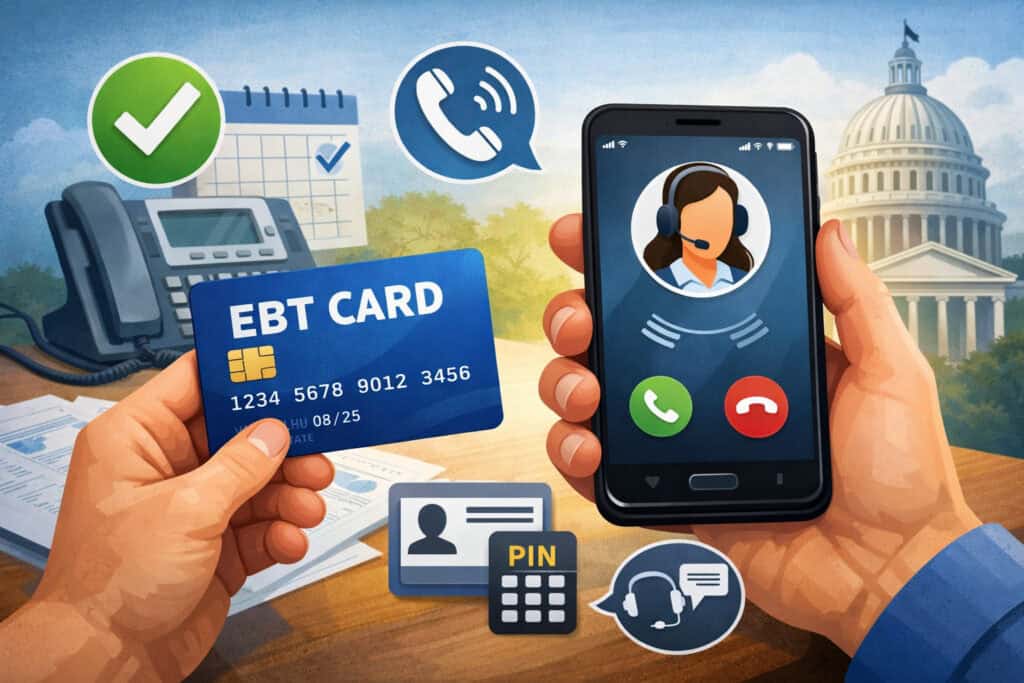
For many households, the easiest way to activate EBT card access is to call the customer service number printed on the back of the card. Phone activation is popular because it works even if you don’t have a stable internet, and it’s usually available 24/7 through an automated system.
The call typically walks you through language selection, card number entry, identity verification, and then PIN creation or PIN change.
In New York, official guidance notes that if you do not receive a mailed PIN, you can select a PIN over the phone by calling a toll-free number. New York City’s benefits support page also directs cardholders to that same PIN-change phone channel. This shows a pattern you’ll see nationwide: the “activate EBT card” flow is heavily tied to the PIN system.
When you call, enter numbers carefully. If you make too many mistakes, the system may lock you out temporarily for security reasons, and you’ll have to wait or contact support. After you activate EBT card access by phone and set your PIN, write down the date you activated (not the PIN itself). That helps if you later need to prove when your card became usable.
If you’re activating a replacement card, the phone system may ask extra questions to confirm it’s you. That’s normal. The important part is that you only call the verified number from the card or an official state site, not a number someone texts you “to help you activate EBT card.”
Phone Activation Steps You Can Follow in Almost Any State
Even though each state’s menu options differ, the activation logic is similar. If you want a reliable script to follow, here’s the approach that works nearly everywhere when you need to activate EBT card access:
Start by dialing the customer service number on the card. Choose your language. Then enter your full card number slowly. If the system requests verification, provide the requested info exactly as your case record has it (for example, your date of birth or ZIP code).
Next, you will be prompted to create a four-digit PIN. Choose a PIN that is not easy to guess. Avoid “1234,” birth years, street numbers, or repeating digits.
After the system confirms activation, you can often check your balance immediately through the same phone menu. That’s a smart final step because it confirms you fully activated EBT card access and that the account is reachable.
If you get an error, don’t keep retrying randomly. Hang up, confirm you typed the digits correctly, and try once more. If it still fails, call again during business hours and request a live agent.
Finally, once you activate the EBT card by phone, test it with a small eligible purchase at a participating retailer. Standard SNAP-style checkout typically requires swiping and entering the PIN at the POS device. This confirms the activation truly worked end-to-end.
Activate EBT Card Online: When Your State Supports a Portal
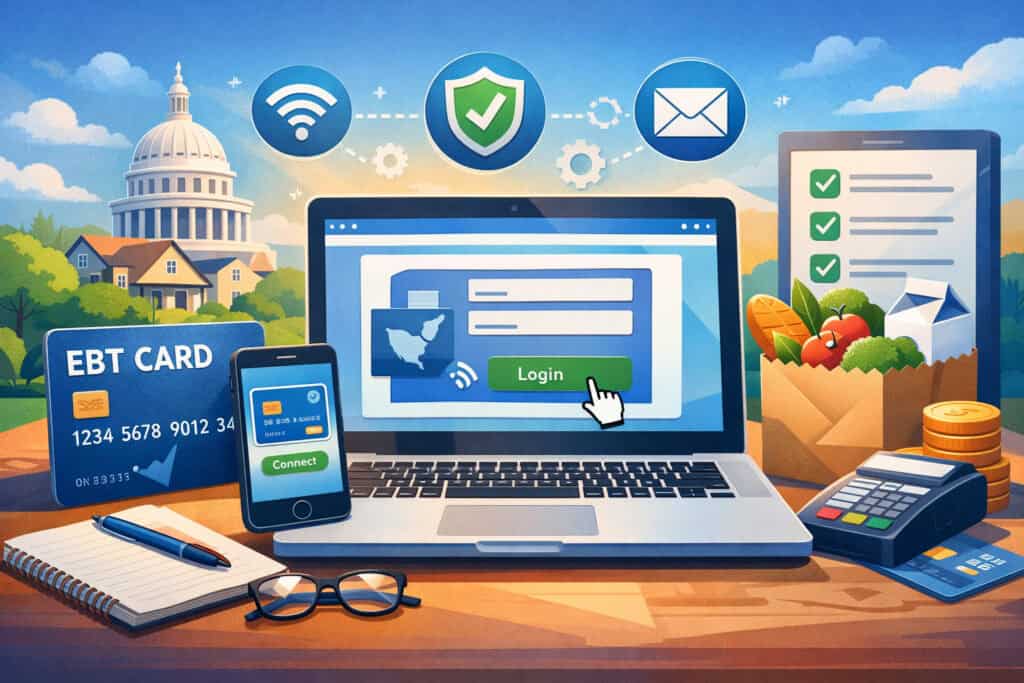
In some states, you can activate EBT card access online using an official cardholder portal. This option is helpful if you prefer reading prompts on a screen, or if phone menus are difficult to navigate. Online activation can also be convenient for checking balances, viewing transactions, and changing your PIN after you activate EBT card access.
Your activation packet usually tells you whether online activation is available and which site to use. Many states contract with specific EBT processors, and those processors provide portals that include PIN selection and account functions.
For example, vendor help documentation references a “PIN Select” flow for new cards. The key is that you should only use the portal listed in your official paperwork or referenced by your state benefits website.
Once you open the portal, you’ll typically enter your card number, verify identity details, and then set or change the PIN. After you activate EBT card access online, take a moment to review recent transactions. If you see purchases you do not recognize, report it immediately.
Online activation is also where you may find additional security features such as login alerts or device-based checks. While not every system is modern, many states are improving digital tools because benefits theft has become more sophisticated. The more you use official tools, the easier it is to spot fraud early.
If you can’t find a portal that looks official, do not guess. Call the number on the back of the card instead. That remains the most reliable way to activate EBT card access safely.
How to Avoid Fake Activation Websites While Activating Online
When you search “activate EBT card” online, you’ll see many lookalike pages, ads, and unofficial guides. Some are helpful, but some are designed to harvest card numbers and PINs. To activate EBT card access securely online, use this checklist:
First, only trust portals linked from your state benefits website, the paperwork mailed with your card, or the back-of-card customer service system. Second, never enter your PIN on a site that you reached from a random text message.
State agencies explicitly warn that they will not text or call asking for sensitive personal information like your card number or PIN. That warning applies directly to activation scams.
Third, check that the site is asking you to create a PIN through a structured “PIN select” process and not simply requesting your existing PIN “to verify.” Legit systems let you set or change the PIN in a controlled flow.
Fourth, avoid public Wi-Fi when you activate an EBT card online if you can. If you must use the public internet, use your phone’s data connection instead of an open hotspot.
Finally, once you activate EBT card access, change your PIN again after the first successful purchase if you feel uncertain about the environment you activated in. Frequent PIN changes are a practical defense against skimming and stolen credentials.
Activate EBT Card In-Store or at an ATM: When “First Use” Activates It
In some places and situations, you may “activate EBT card” access by using the card normally for a purchase or cash withdrawal, especially when the card is a replacement or a newer chip/tap upgrade.
One state guidance page explains that cardholders can activate a mailed card by using it as normal to purchase food or withdraw cash at a terminal or ATM, and that existing benefits transfer automatically.
If your paperwork says first-use activation is allowed, the process is simple: attempt a purchase at a participating retailer and enter your PIN when prompted. For SNAP-style transactions, the POS device flow includes swiping/inserting/tapping and then entering a four-digit PIN. If the transaction completes, you have effectively activated EBT card access.
However, “first-use activation” does not mean you should skip PIN security. If you were issued a default PIN or received a mailed PIN, you should change it quickly. If you selected a PIN long ago, consider changing it when you receive a replacement or upgraded card. Activation is a perfect moment to refresh your security.
Also, if you try first-use activation and it fails, don’t assume the store is the problem. Some stores have POS issues, but activation failures are more commonly caused by incorrect PIN selection, mismatched identity data, or a card that requires phone confirmation. If you’re unsure, call the number on the back of the card and complete the activation flow there.
When used correctly, first-use activation is fast. But the safest habit is still to confirm your state’s method and then activate EBT card access through the official channel.
How to Confirm the Card Is Activated After Your First Transaction
Many people want certainty after they activate EBT card access. The simplest confirmation method is to check your balance and transaction history right after your first purchase. If the purchase is completed, your system should show a transaction record, and your balance should adjust accordingly.
Use the same channel you used to activate EBT card access. If you are activated by phone, use the automated menu to hear your balance. If you are activated online, log in and review the last transaction list.
If your state supports receipts that show remaining balance after an EBT purchase, keep that first receipt for a week. It helps if a dispute arises.
If you see no record of the purchase but the store receipt shows approval, wait a short time and check again because systems can sometimes post with slight delay. If it still doesn’t appear, call customer service. Do not try multiple test purchases in a row because that can complicate fraud monitoring.
Also confirm your PIN works. A common frustration is “the card is activated but the PIN fails.” That usually means you didn’t complete the PIN selection step or you entered a different PIN than you think. Vendor portals commonly include “PIN select” tools for new cards. When in doubt, reset the PIN through the official phone line.
A clean first transaction plus a visible balance update is the strongest proof you successfully activated EBT card access.
PIN Setup: The Make-or-Break Step When You Activate EBT Card
Your PIN is the key that turns your EBT card from “plastic in your wallet” into usable benefits. That’s why PIN setup deserves its own focus. Retailer guidance describes the standard checkout process as requiring the customer to enter a four-digit PIN at the POS device. If you don’t have a PIN—or if someone else gets it—you can’t reliably control your benefits.
When you activate EBT card access, choose a PIN that is hard to guess and easy for you to remember. Avoid patterns like “1111,” “1234,” and anything tied to your birthday or address. If you live with others, do not share the PIN casually. Even trusted people can accidentally expose it.
Many states allow you to change your PIN whenever you want. New York’s official materials, for example, describe selecting a PIN by phone when a mailed PIN isn’t provided. The fact that phone PIN selection exists is a reminder: you can usually reset quickly if you suspect compromise.
A best practice in 2026 is PIN rotation: change your PIN regularly, especially after high-risk moments such as using an unfamiliar terminal, shopping at a crowded location, or noticing anything odd about a card reader. Agencies also warn that they will not request your card number or PIN by phone or text, which is crucial because scams often target PINs.
If your activation process fails, try resetting the PIN first. In many cases, “activate EBT card” problems are really PIN problems.
How to Choose a Secure PIN Without Forgetting It
People often pick weak PINs because they fear forgetting a stronger one. You can avoid that trap. A secure approach is to choose a number that is meaningful only to you but not publicly connected to your identity.
For example, instead of using your birthday, you can combine two unrelated numbers you already know, like the last two digits of one memory and the last two digits of another memory.
When you activate EBT card access, pick a PIN and then practice entering it a few times privately so your fingers learn it. Do not write the PIN on the card. Do not store it in an unprotected note on your phone. If you must record a reminder, store a disguised clue that only you would understand.
Also, assume that skimming threats are real. PIN theft isn’t just about someone watching you. It can be a fake keypad overlay or compromised terminal. That’s why frequent PIN changes are powerful. If your state supports changing the PIN by phone or through a portal, use that feature proactively.
Finally, if you think someone learned your PIN, treat it like you would treat a compromised bank PIN: change it immediately using the official customer service channel, then check transactions. Secure PIN habits make it much harder for thieves to benefit even if they obtain your card number.
Troubleshooting: What to Do When You Can’t Activate EBT Card
If you can’t activate EBT card access, you’re not alone. Activation problems usually fall into a small set of causes, and you can fix most of them without visiting an office. The most common issues are incorrect card number entry, identity verification mismatch, PIN selection failure, or a system outage.
Start by confirming you’re using the correct number or portal. The safest method is the customer service number printed on your card. If you found a number online, stop and compare it to your card. Next, retry carefully and slowly. Automated systems are unforgiving about wrong digits.
If the system says your identity info doesn’t match, it may be because your case file uses a different ZIP code, spelling, or date format than you expect. If you recently moved, use the ZIP code that your benefits office has on file. If you still can’t activate EBT card access, call again and request a live agent if the phone tree offers that option.
If your PIN is locked after too many attempts, do not keep guessing. That can extend lockouts. Instead, wait the required time (varies), then reset the PIN using the official PIN selection channel. Some vendor systems provide a “PIN select” feature for new cards.
If your card is upgraded or replaced, your state may have special rules. Some states note that benefits transfer automatically and card activation may happen through first normal use. If you’re unsure which scenario you’re in, customer service can confirm in minutes.
Fixing “Card Activated but Declined” at Checkout
One frustrating case happens after you think you activated EBT card access, but the transaction is declined. This can happen even when the card is fine. First, confirm you’re buying eligible items if you’re using SNAP benefits, because ineligible items can cause partial declines.
Second, confirm you entered the correct PIN. Since standard transactions require PIN entry at the POS device, a wrong PIN is the most frequent reason for declines. If you’re unsure, reset the PIN using the official phone line or portal.
Third, check your balance. A decline can occur if you don’t have enough benefits to cover the purchase amount. Many stores allow split-tender, but the cashier must process it correctly. If your state offers balance info by phone, check immediately after the decline.
Fourth, consider terminal problems. Sometimes the store’s POS device is offline for EBT processing. Ask the cashier if other EBT transactions are working. If multiple customers are failing, try a different store.
Finally, if you suspect fraud—like you see unfamiliar transactions—report it right away and request a replacement. State agencies warn they will not request your card number or PIN by text or call, which matters because fraud often begins with credential theft. If you act fast, you reduce the risk of further loss.
Protect Your Benefits: Security Steps to Take Right After You Activate EBT Card
Once you activate EBT card access, your next job is to protect it. Benefits theft can happen through scams, skimming devices, or stolen mail. That’s why many state agencies publish direct warnings that they will not contact you to request your card number or PIN.
If you get a call or text asking for your details “to activate EBT card,” treat it as suspicious unless you initiated the call to the official number.
Right after activation, do three things. First, check your balance and transactions. Second, change your PIN again if you activated in a place you didn’t fully trust. Third, set a habit: check transactions weekly and especially right after benefit deposits.
When shopping in person, inspect the card reader. If anything looks loose, bulky, or different than usual, choose another lane. Cover the keypad when entering your PIN. Since POS use requires the PIN for SNAP-style transactions, protecting PIN entry is critical.
If your card is lost or stolen, report it immediately using official channels. Some state portals also provide guidance on reporting and replacing cards and benefits.
For example, California’s benefits portal FAQ emphasizes changing your PIN and reporting a lost or stolen card promptly, including providing the official customer service helpline number. Even if you’re not in that state, the principle applies everywhere: fast reporting reduces damage.
Security is not extra work. It’s part of how you activate EBT card access responsibly in today’s fraud environment.
Best Practices That Reduce Fraud Risk All Year
Fraud prevention works best when it becomes routine. After you activate EBT card access, consider a monthly “benefits safety check.” Pick a day—like the day after your deposit—and review your account. If you see a transaction you don’t recognize, report it quickly.
Rotate your PIN regularly. This is one of the simplest defenses. If a skimmer captured your PIN last month, it becomes useless after a change. Use official PIN selection systems to do this.
Avoid letting anyone photograph your card. A photo can expose the card number, and if they also learn your PIN, your benefits become vulnerable. Also be careful with “helpful strangers” near self-checkout. Shoulder-surfing is real.
If you need help managing benefits, designate an authorized helper through official rules rather than sharing your PIN informally. Many programs allow approved representatives, but the process must follow policy.
Finally, keep your mailing address updated with your caseworker or benefits office. A surprising number of “activate EBT card” problems begin when cards are mailed to an old address and intercepted. Prevention makes activation smoother and safer.
Special Situations: Replacement Cards, Upgraded Chip Cards, and Expired Cards
Not every activation is a “new benefits” activation. Many people need to activate EBT card access after a replacement, renewal, or state-wide card upgrade. The good news is that replacement scenarios often transfer your benefits automatically.
Some state guidance explains that benefits transfer automatically to a new card and that cardholders can activate by using the card normally at a terminal or ATM, depending on the upgrade process.
If you received a replacement because your card was lost or stolen, your old card is usually deactivated. That means you must activate EBT card access on the new card and set a new PIN (or at least change it). If you suspect theft, do not reuse the old PIN. Rotate it immediately.
If your card expired, activation may also include verifying your identity again. This is normal because the system must ensure the right household is controlling the account. Use the official number on the back of the new card and follow the prompts.
If your state is rolling out chip/tap cards, you may notice that checkout behavior changes slightly (tap/insert instead of swipe). But the basics remain the same: you still rely on a PIN for standard transactions.
If anything about your replacement or upgrade is confusing, don’t guess. Call official customer service and explain your situation. It’s the fastest path to correctly activate EBT card access in special cases.
What If Your Card Never Arrives or Arrives Damaged?
If your card never arrives, do not wait indefinitely. Contact your local benefits office or the official customer service channel to request a new card. Some city and county programs provide in-person options for getting a permanent or temporary card when mail delivery fails.
For example, New York City’s benefits services page discusses locations for obtaining cards if one has not arrived.
If your card arrives damaged—cracked, unreadable stripe, or broken chip—do not try to force it through terminals. Request a replacement. A damaged card can cause repeated declines that look like activation failures even when your account is fine.
While waiting for a replacement, do not share your case details or card info with unofficial helpers who claim they can “speed up” activation. Agencies warn that they do not request sensitive information like card numbers and PINs via unsolicited contact.
When your new card arrives, activate EBT card access immediately and choose a new PIN. Then check your balance to confirm benefits are intact. If you suspect your mail was intercepted, ask customer service about extra account protections and monitor transactions closely for the next few weeks.
Future Prediction: How EBT Card Activation May Change Next
As fraud techniques evolve and card technology upgrades expand, the “activate EBT card” experience is likely to become more digital and more security-focused. States adopting chip and tap features already signal a shift away from older magnetic stripe-only approaches.
Some official guidance notes the transition to newer cards and how activation can occur through normal use in certain upgrade scenarios. That kind of user-friendly activation may become more common, especially when states want to reduce call center load.
At the same time, we can expect stronger identity verification options. Over the next few years, more states may add secure portal logins, optional multi-factor authentication, and real-time alerts for suspicious transactions. That would make it easier to activate EBT card access online safely, while also making it harder for thieves to take over accounts with only a card number.
Another likely change is improved consumer control: faster PIN resets, simpler card freeze/unfreeze tools, and clearer transaction dispute workflows. Many benefit systems already emphasize PIN secrecy and rapid reporting, and agency warnings about scams suggest ongoing investment in education and prevention.
For cardholders, the best preparation is to build habits that stay valuable even as technology changes: always use official channels to activate EBT card access, change PINs regularly, monitor transactions, and treat any request for your PIN as a red flag.
FAQs
Q 1: Do I have to activate EBT card before using it?
Answer: In most cases, yes—you should assume you must activate EBT card access before it will work reliably. Some states allow activation through first use (like making a purchase or ATM withdrawal), especially for replacement or upgraded cards, but you should only rely on that if your official paperwork says so.
The safest and most universal approach is to call the number on the back of your card and follow the automated prompts. This method typically ensures your identity is verified and your PIN is set correctly. Because the checkout process generally requires a four-digit PIN at the POS device, PIN setup is inseparable from activation.
If you skip activation and go straight to the store, you may experience a decline that wastes time and creates confusion. Activation first also gives you a chance to check your balance, confirm deposit timing, and spot any suspicious account activity early.
Once you activate EBT card access, test it with a small eligible purchase and keep the receipt until you are confident everything is working normally.
Q 2: What number do I call to activate EBT card?
Answer: The correct number is almost always the customer service phone number printed on the back of your EBT card. Because numbers vary by state and vendor, using the back-of-card number is safer than trusting a number found in a random search result.
Official state resources sometimes publish PIN selection numbers as well. For example, New York’s official brochure notes that you can select a PIN over the phone using a toll-free number. New York City’s benefits site also references that PIN-change channel.
If you receive a text or call telling you to dial a different number “to activate EBT card,” treat it as suspicious. Agencies warn they will not contact you requesting personal information like your card number or PIN. If you’re unsure, hang up and call the number on the back of the card directly.
Q 3: What if I forgot my PIN right after I activate EBT card?
Answer: If you forget your PIN, you can usually reset it through the same official customer service phone system or the official portal used for PIN selection. Many vendor systems support a structured “PIN select” or PIN change feature.
Do not keep guessing your PIN at the store. Repeated wrong attempts can lock your account temporarily for security. Instead, step aside, call customer service, and reset the PIN using the correct verification details.
After you reset, make one small purchase to confirm it works. Remember that the typical POS flow requires PIN entry, so a functioning PIN is the clearest sign that you successfully activated EBT card access and can use your benefits smoothly.
As a preventive step, choose a PIN you can remember without writing it down. If you must store a reminder, use a disguised hint rather than the actual PIN. And if you suspect someone else may have learned your PIN during activation, change it immediately after you activate EBT card access.
Q 4: My card is activated, but I see transactions I don’t recognize—what now?
Answer: If you activated EBT card access and then notice unfamiliar transactions, act immediately. First, call customer service (back-of-card number) to report the issue and request guidance on stopping additional use.
Second, change your PIN right away. PIN secrecy matters because standard EBT transactions require PIN entry at the POS device.
Also watch for scam patterns. Agencies warn they will not call or text asking for your card number or PIN, and that warning is directly relevant to fraud attempts that begin with stolen credentials. If you clicked a link or shared information recently, mention it to customer service so they can document the risk.
Finally, ask about replacement options and dispute processes. Some states provide online assistance pathways and emphasize rapid reporting for lost, stolen, or compromised cards.
Even if your state differs, the best practice is consistent: report fast, secure the account, and monitor transactions closely after you activate EBT card protections again.
Q 5: Can I activate EBT card if I don’t have stable internet or a smartphone?
Answer: Yes. Phone activation exists specifically to support people without reliable internet or a smartphone. In most states, you can activate EBT card access by calling the customer service number on the back of your card and completing the automated prompts.
This method is also often the fastest because it focuses on the essentials: identity verification and PIN selection. Official materials in some areas highlight phone-based PIN selection as a standard option.
If you can’t get through due to high call volume, try calling at off-peak hours. If you still can’t activate EBT card access and you have an urgent need, contact your local benefits office about in-person support. Some city programs describe ways to obtain cards in person if mail delivery fails.
Once activated, you can use your card at participating retailers by entering your PIN at checkout, which is the normal usage flow.
Conclusion
To activate EBT card access safely and successfully, stick to one rule: use official channels. Call the number on the back of your card or use the official portal in your activation packet, then set a secure PIN and confirm your balance.
Because EBT transactions typically require a four-digit PIN at the POS device, PIN setup is the core of the activation experience.
If your state uses first-use activation or you received an upgraded chip/tap card, your card may activate when you use it normally, and benefits may transfer automatically—but you should confirm that through official guidance.
After you activate EBT card access, protect it. Agencies warn they will not ask for your card number or PIN via unsolicited calls or texts, and that warning is critical in today’s scam environment. Change your PIN regularly, monitor transactions, and report suspicious activity immediately.